
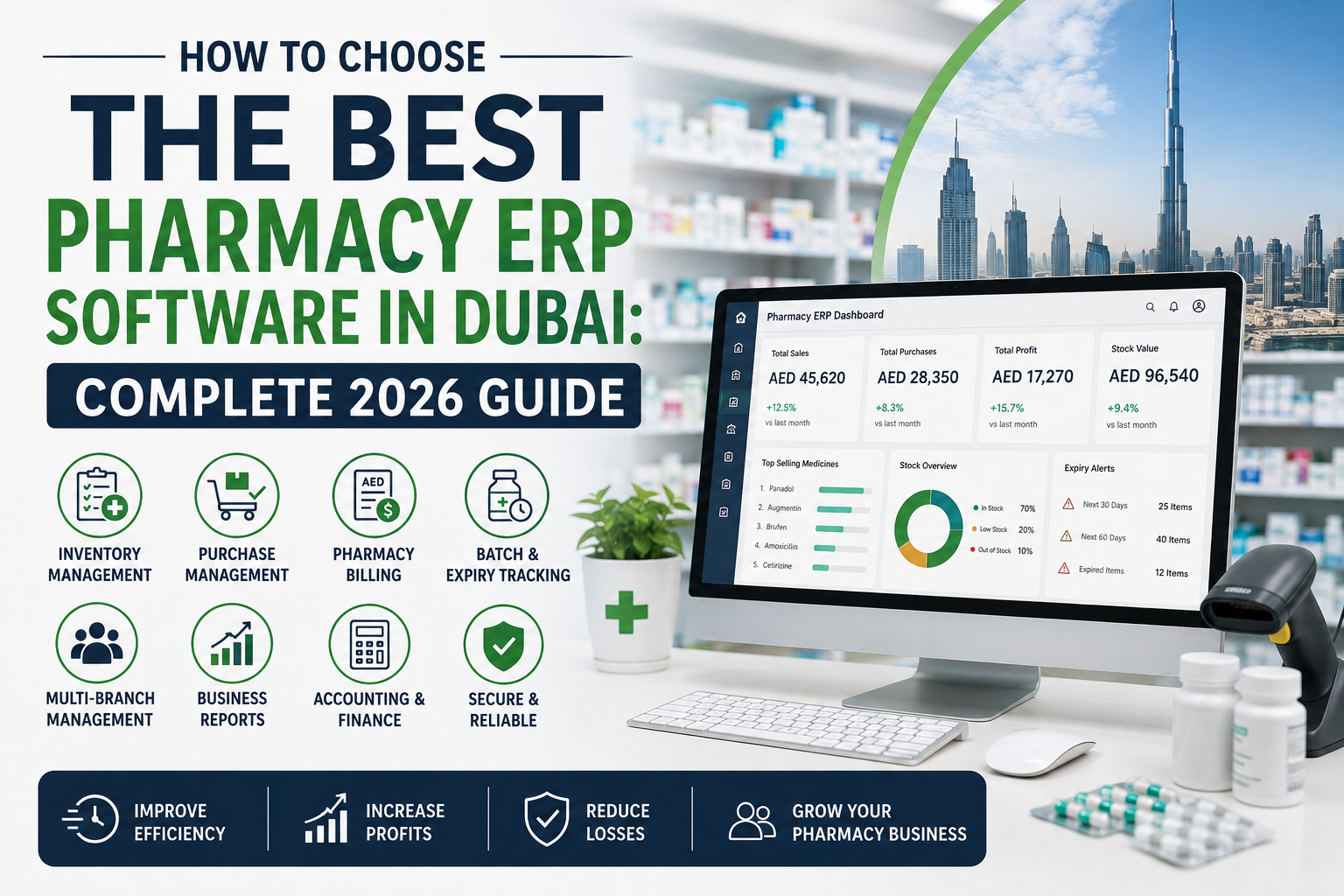
Choosing the right pharmacy ERP software in Dubai is an important decision for any pharmacy owner who wants to improve efficiency, control inventory, reduce operational errors, and prepare the business for future growth.
A modern pharmacy needs to manage much more than billing. Daily operations can involve medicine inventory, batch tracking, expiry management, purchasing, supplier management, prescriptions, customer records, accounting, payments, reporting, and multiple branches. Managing these activities through disconnected systems or manual processes can make operations slower and harder to control.
This is where pharmacy ERP software can make a significant difference.
A pharmacy ERP system brings important business processes together in one platform, helping pharmacy owners and staff manage sales, inventory, purchases, accounting, reporting, and other operations more efficiently.
But with many pharmacy software solutions available in Dubai and across the UAE, how do you know which one is right for your business?
This complete 2026 guide explains the key features to look for, questions to ask vendors, benefits of pharmacy ERP software, and practical factors to consider before making a purchase.
What Is Pharmacy ERP Software?
Pharmacy ERP software is an integrated business management system designed to help pharmacies manage their day-to-day operations from a centralized platform.
Unlike basic billing software, a pharmacy ERP can connect multiple areas of the business, including:
- Medicine inventory management
- Sales and pharmacy billing
- Purchase management
- Supplier management
- Batch tracking
- Expiry management
- Prescription management
- Customer records
- Accounting
- Payment management
- Business reporting
- Multi-branch management
The goal is simple: instead of maintaining separate systems for different activities, pharmacy owners can manage key operations through a connected ERP environment.
For pharmacies in Dubai, choosing software that matches the business’s operational requirements, scalability needs, and local workflows is particularly important.
Why Do Pharmacies in Dubai Need ERP Software?
Pharmacies handle products that require careful inventory control. A small stock-management mistake can result in unnecessary losses, excess inventory, stock shortages, or expired products.
At the same time, pharmacy customers expect fast and accurate service.
A modern pharmacy ERP solution can help address several common operational challenges.
1. Better Inventory Control
Pharmacy inventory can contain thousands of products with different prices, batches, suppliers, quantities, and expiry dates.
A dedicated pharmacy inventory system can provide better visibility into available stock and help staff monitor inventory more efficiently.
2. Faster Billing
A fast billing process can reduce customer waiting time and improve counter efficiency.
Barcode scanning, quick medicine search, automated calculations, and integrated payment processes can make pharmacy billing more streamlined.
3. Expiry Management
Medicine expiry is one of the most important areas of pharmacy inventory management.
ERP software can help identify expired and near-expiry products, allowing pharmacy teams to take appropriate action before stock becomes a larger financial problem.
4. Better Purchasing Decisions
Pharmacy ERP software can provide information about fast-moving, slow-moving, and non-moving products.
This information can help pharmacy owners make more informed purchasing decisions and avoid unnecessarily tying up money in excess inventory.
5. Centralized Business Information
Instead of depending on spreadsheets and disconnected applications, an integrated ERP system can bring important business information into one place.
This can make it easier for owners and managers to monitor sales, stock, purchases, payments, and business performance.
What Should You Look for in Pharmacy ERP Software in Dubai?
Not every pharmacy has the same requirements.
A single-location pharmacy may need a straightforward inventory and billing system, while a growing pharmacy chain may require centralized inventory, branch management, purchasing, accounting, and advanced reporting.
Before choosing a pharmacy ERP system in Dubai, evaluate the following features.
1. Advanced Pharmacy Inventory Management
Inventory management should be one of the first things you evaluate.
The system should help you monitor:
- Current stock
- Purchase quantities
- Sales quantities
- Stock adjustments
- Reorder levels
- Fast-moving products
- Slow-moving products
- Non-moving products
- Supplier information
- Stock value
Good inventory visibility helps pharmacy owners understand what is available, what needs to be reordered, and where money is tied up in stock.
Marg’s pharmacy software, for example, includes stock management, minimum and maximum stock levels, reorder management, and fast/slow/non-moving product analysis.
2. Batch Tracking and Expiry Management
Batch and expiry management is essential when managing pharmaceutical inventory.
A good pharmacy ERP should allow users to identify products according to batch and expiry information and monitor stock that is approaching expiry.
Useful capabilities may include:
- Batch-wise inventory
- Expiry-date tracking
- Near-expiry alerts
- Expired-stock reports
- Expiry returns
- Batch-wise sales information
- Supplier tracking
The importance of expiry management is also reflected in Dubai’s pharmacy inventory documentation, which includes a dedicated expiry function for recording and managing expired stock.
For pharmacy owners, this isn’t simply an accounting feature. Better expiry visibility can help reduce avoidable inventory losses and improve stock control.
3. Fast Pharmacy Billing and POS
The billing counter is where speed matters.
When customers are waiting, staff should be able to find medicines quickly, scan products, calculate the bill, apply the appropriate pricing, and complete payment without unnecessary steps.
Look for features such as:
- Barcode scanning
- Quick medicine search
- Fast billing
- Sales invoices
- Returns
- Discount management
- Payment tracking
- Digital payment support
- Sales reports
Marg highlights barcode scanning and quick search as part of its pharmacy billing capabilities.
4. Prescription Management
Prescription handling can be another important part of pharmacy operations.
Depending on your pharmacy’s workflow, your software may need to support prescription records, patient information, medicine history, and related customer information.
Marg’s pharmacy solution includes prescription management and patient-related features.
When evaluating a system, ask the vendor to demonstrate how prescription-related workflows operate rather than simply checking “prescription management” on a feature list.
5. Purchase and Supplier Management
A pharmacy ERP should help manage the complete purchasing cycle.
Important capabilities include:
- Supplier records
- Purchase orders
- Purchase invoices
- Purchase returns
- Supplier outstanding balances
- Purchase history
- Rate comparison
- Stock received against purchases
Better purchasing visibility can help pharmacies avoid unnecessary stock accumulation and make supplier decisions based on actual business data.
6. Reorder Management
Running out of a fast-moving medicine can affect both revenue and customer satisfaction.
A pharmacy ERP can help identify products that have reached predefined reorder levels.
Look for:
- Minimum stock levels
- Maximum stock levels
- Reorder alerts
- Product movement analysis
- Suggested purchasing
- Supplier information
Marg’s pharmacy software includes reorder management based on product sales, profit, and stock levels.
7. Accounting Integration
Billing and accounting should not operate as completely separate worlds.
An integrated pharmacy ERP can connect sales and purchasing information with financial records, helping owners obtain a clearer view of business performance.
Useful accounting capabilities may include:
- Sales accounting
- Purchase accounting
- Receivables
- Payables
- Payment tracking
- Bank reconciliation
- Financial reports
- Profit analysis
Marg positions its pharmacy solution as an integrated business platform covering areas from billing through accounting and financial reporting.
8. Multi-Branch Pharmacy Management
If you operate multiple pharmacy branches, your software should be able to scale with your business.
A multi-branch pharmacy ERP can help centralize information while allowing managers to monitor individual locations.
Important features include:
- Branch-wise inventory
- Branch-wise sales
- Stock transfers
- Centralized purchasing
- Branch-wise profitability
- User permissions
- Consolidated reports
- Centralized management
Even if you currently operate only one pharmacy, it is worth considering whether your chosen software can support future expansion.
9. Reporting and Business Analytics
Reports turn raw transactions into useful business information.
A pharmacy owner should be able to answer questions such as:
- Which medicines sell the most?
- Which products are slow-moving?
- Which products are nearing expiry?
- Which suppliers do we purchase from most?
- What are today’s sales?
- Which branch performs best?
- How much inventory is currently held?
- Which products need reordering?
The right reports can help owners make decisions based on business data rather than guesswork.
10. Ease of Use
Powerful software is not useful if employees struggle to operate it.
Before purchasing pharmacy ERP software in Dubai, ask for a live demonstration.
Check how quickly a staff member can:
- Search for a medicine
- Check stock
- View batch information
- Create a bill
- Process a return
- Check expiry information
- Enter a purchase
- Generate a report
The fewer unnecessary steps involved in common tasks, the easier it may be for your team to adopt the system.
Pharmacy ERP Software vs Basic Pharmacy Billing Software
One of the most important decisions is understanding the difference between billing software and ERP software.
| Feature | Basic Pharmacy Billing Software | Pharmacy ERP Software |
| Billing | Yes | Yes |
| Barcode scanning | Often | Yes |
| Inventory | Basic | Advanced |
| Batch tracking | May be limited | Yes |
| Expiry management | May be limited | Advanced |
| Purchasing | Basic | Integrated |
| Supplier management | Limited | Yes |
| Accounting | Limited | Integrated |
| Multi-branch management | Limited | Available in scalable systems |
| Business reports | Basic | Advanced |
| Reorder management | Limited | Available |
| Centralized operations | Limited | Yes |
If your primary requirement is simply creating invoices, basic billing software may be enough.
But if you want to connect inventory, purchases, billing, accounting, reporting, and business management, an ERP approach can provide a much broader solution.
Cloud-Based vs Desktop Pharmacy ERP Software
Another factor to consider is how the software is deployed.
Cloud-Based Pharmacy ERP
Cloud-based software can provide flexibility for businesses that need access to information from different locations.
Potential benefits include:
- Remote access
- Centralized data
- Easier multi-branch management
- Reduced dependence on local hardware
- Easier scalability
Desktop or Local ERP
Local software can still be suitable for businesses that prefer data and applications to operate within their own infrastructure.
The right option depends on your pharmacy’s size, IT requirements, connectivity, budget, security expectations, and operational model.
Rather than choosing based only on the word “cloud,” ask the provider to explain where data is stored, how backups work, how updates are delivered, and what happens if internet connectivity is interrupted.
How Pharmacy ERP Software Can Improve Inventory Management
Inventory is one of the strongest reasons to invest in pharmacy ERP software.
Consider a pharmacy with thousands of medicine products.
Without an integrated system, employees may need to manually check:
- How many units are available
- Which batch is available
- When products expire
- When stock should be reordered
- Which supplier provided the product
- How quickly the product is selling
An ERP system can centralize these activities.
Marg’s pharmacy software provides inventory, expiry, reorder, rack, prescription, purchasing, and reporting-related capabilities designed around pharmacy operations.
This makes inventory management more structured and can give pharmacy owners better visibility over stock movement.
How to Choose the Best Pharmacy ERP Software in Dubai
Instead of choosing software based only on the number of features listed on a website, evaluate the complete solution.
Step 1: Understand Your Pharmacy’s Requirements
Make a list of your current problems.
For example:
- Slow billing
- Stock shortages
- Expired medicines
- Manual purchase entry
- Poor reporting
- Difficult branch management
- Accounting problems
- Lack of real-time stock visibility
Your requirements should drive the software selection.
Step 2: Check Pharmacy-Specific Features
Generic retail ERP software may not provide the pharmacy-specific workflows you need.
Look for features designed around medicine inventory, batch tracking, expiry management, prescriptions, purchasing, pharmacy billing, and reporting.
Step 3: Ask for a Live Demo
Do not rely only on screenshots.
Ask the provider to demonstrate real pharmacy workflows.
For example:
“Show me how your system handles a medicine purchase, batch entry, expiry tracking, sale, return, and stock report.”
A live demonstration can reveal much more than a feature list.
Step 4: Evaluate Scalability
Think beyond today’s requirements.
If you plan to open additional branches, ask:
- Can I add new branches?
- Can I manage centralized inventory?
- Can I transfer stock between branches?
- Can I generate branch-wise reports?
- Can I manage users and permissions?
Step 5: Evaluate Support and Training
Software implementation does not end when the license is activated.
Ask about:
- Installation
- Staff training
- Technical support
- Updates
- Data backup
- Troubleshooting
- Response times
- Migration from existing software
Reliable support can make a significant difference during implementation.
Step 6: Compare the Total Cost
Don’t compare providers only by the initial software price.
Consider:
- Software license
- Implementation
- Hardware
- Additional modules
- User licenses
- Branch licenses
- Training
- Support
- Maintenance
- Data migration
The cheapest option is not always the most economical option over the long term.
Questions to Ask Before Buying Pharmacy ERP Software
Before signing a contract, ask the software provider these questions:
- Does the system support pharmacy inventory management?
- Can it track medicine batches and expiry dates?
- Does it support barcode billing?
- Can it manage purchases and suppliers?
- Does it provide reorder alerts?
- Can it handle multiple pharmacy branches?
- Does it integrate accounting with sales and purchases?
- What reports are included?
- Is the software scalable?
- How is data backed up?
- What technical support is provided?
- Is staff training included?
- Can existing pharmacy data be migrated?
- What happens when the business adds another branch?
- Can I test the software before making a final decision?
These questions can help pharmacy owners compare vendors based on actual business requirements instead of marketing claims.
Why Marg Pharmacy Software Can Be Considered for Dubai Pharmacies
Marg provides pharmacy-focused business software covering important areas such as stock management, expiry management, prescription handling, purchase management, reorder management, billing, accounting, and reporting.
Its UAE-facing pharmacy offering also provides a Dubai office and UAE contact information, making local support and communication an important point for businesses evaluating the solution.
For pharmacy owners looking for an integrated solution, you can explore the pharmacy ERP software in Dubai offered by Marg to understand its features and suitability for your business.
Benefits of Choosing the Right Pharmacy ERP Software
The right ERP system can help a pharmacy improve several areas of its business.
Better Stock Visibility
Know what is available, what is selling, and what needs attention.
Reduced Inventory Waste
Expiry tracking and better stock visibility can help pharmacies manage near-expiry products more effectively.
Faster Billing
Quick search and barcode-based billing can improve counter efficiency.
Better Purchasing
Sales and stock information can support more informed purchasing decisions.
Improved Reporting
Owners can monitor business performance through structured reports.
Easier Business Management
An integrated platform can reduce dependence on multiple disconnected systems.
Support for Business Growth
Scalable software can make it easier to manage additional products, users, and branches.
What Makes a Pharmacy ERP “Best”?
There is no single pharmacy ERP that is automatically the best for every pharmacy.
The best pharmacy ERP software in Dubai is the one that fits your business requirements, operational workflow, budget, staff capabilities, and future growth plans.
For one pharmacy, simplicity may be the most important factor.
For another, advanced inventory management and accounting may matter more.
For a pharmacy chain, centralized branch management could be the priority.
Therefore, don’t choose software simply because it has the longest feature list.
Choose the solution that solves your biggest operational problems and can grow with your business.
Frequently Asked Questions About Pharmacy ERP Software in Dubai
What is pharmacy ERP software in Dubai?
Pharmacy ERP software in Dubai is an integrated business management solution designed to help pharmacies manage activities such as billing, inventory, purchasing, expiry tracking, accounting, reporting, and other pharmacy operations from a centralized system.
What features should pharmacy ERP software have?
Important features can include inventory management, batch and expiry tracking, pharmacy billing, barcode scanning, purchasing, supplier management, prescription management, accounting, reporting, reorder management, and multi-branch support.
Is pharmacy ERP software better than billing software?
It depends on your requirements. Billing software primarily focuses on sales and invoicing, while ERP software can connect billing with inventory, purchasing, accounting, reporting, and other business processes.
Can pharmacy ERP software manage medicine expiry dates?
Many pharmacy ERP systems include batch and expiry management. These features help users identify near-expiry and expired inventory and manage stock more effectively.
Can pharmacy ERP software support multiple branches?
Yes. Many modern pharmacy ERP systems are designed to support multi-branch operations, including branch-wise inventory, sales, reporting, stock transfers, and centralized management.
How much does pharmacy ERP software cost in Dubai?
The cost depends on factors such as the number of branches, users, modules, deployment model, customization, implementation, training, and support. Pharmacy owners should compare the total cost of ownership rather than only the initial software price.
How do I choose the right pharmacy ERP software?
Start by identifying your pharmacy’s biggest operational challenges. Then compare inventory, expiry, billing, purchasing, accounting, reporting, scalability, usability, support, and integration capabilities. Request a live demo before making your final decision.
Is pharmacy ERP software suitable for small pharmacies?
Yes. A small pharmacy can use ERP software to organize inventory, billing, purchasing, accounting, and reporting. However, the solution should be appropriately sized for the pharmacy’s requirements and budget.
Final Thoughts
Choosing pharmacy ERP software in Dubai should not be treated as simply purchasing a billing application.
The right system can become the operational backbone of a pharmacy, connecting inventory, purchasing, sales, expiry management, accounting, reporting, and business management.
Before making a decision, focus on the features that directly affect your pharmacy’s daily operations. Evaluate inventory and expiry management carefully, test the billing workflow, understand purchasing and accounting capabilities, check scalability, and ask about implementation and technical support.
Most importantly, request a live demonstration and evaluate the software using your actual pharmacy workflow.
If you are looking for a pharmacy-focused ERP solution for your business in Dubai, explore Marg Pharmacy ERP Software to learn how it can help streamline pharmacy operations, manage inventory, improve billing, and support business growth.
Ready to improve your pharmacy operations? Explore Marg’s pharmacy ERP solution and request a demo today.