
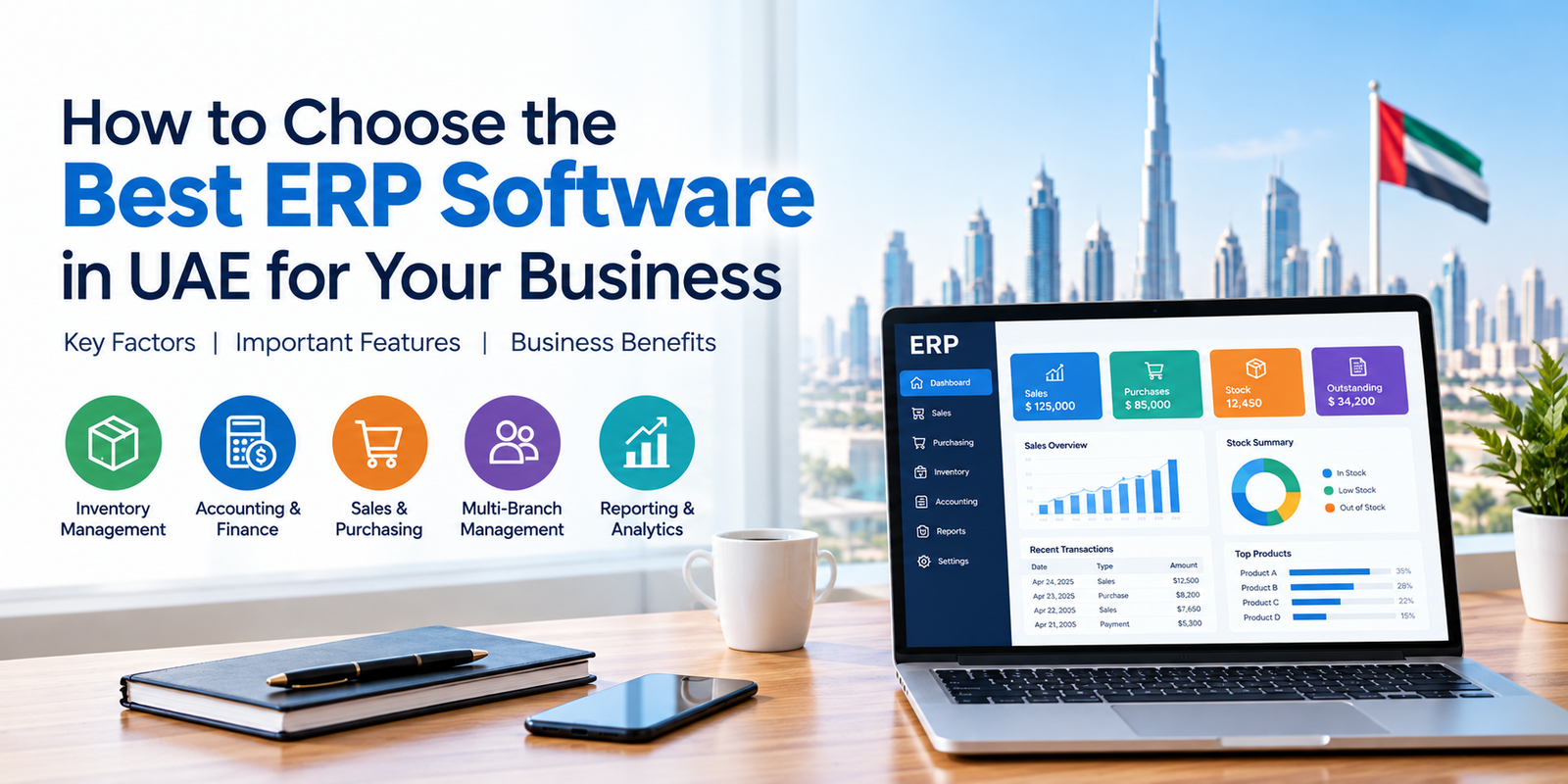
Businesses across the United Arab Emirates operate in a competitive environment where efficient operations, accurate financial records, effective inventory management, and timely decision-making are essential for growth. Managing these activities using separate software applications or spreadsheets can create data inconsistencies, increase manual work, and make it difficult to monitor overall business performance.
This is where Enterprise Resource Planning (ERP) software can help. An ERP system brings important business functions together on a unified platform, allowing companies to manage their operations more efficiently.
However, choosing the right solution requires careful consideration of your business requirements, budget, industry, and future growth plans. With several options available, finding the best ERP software in UAE can feel challenging.
In this guide, we will explain what to look for when selecting ERP software, the essential features to consider, the benefits for UAE businesses, and how to choose a solution that supports your long-term goals.
What Is ERP Software?
ERP software, or Enterprise Resource Planning software, is a business management system that integrates different operational processes into one platform. Depending on its features, an ERP solution can help businesses manage accounting, sales, purchasing, inventory, customer information, reporting, and other essential activities.
Instead of maintaining separate records for every department, businesses can use an integrated system to improve information sharing and maintain better visibility into their operations.
For example, when a business records a sales transaction, an integrated ERP system may update inventory records, sales reports, and relevant financial information automatically, depending on the software configuration.
For businesses in the UAE, ERP software can support daily operations across retail stores, wholesale distribution companies, trading businesses, and other industries.
Why Do Businesses in the UAE Need ERP Software?
As businesses expand, managing multiple processes manually becomes increasingly complicated. Companies may need to monitor several warehouses, coordinate with suppliers, manage customer payments, process sales orders, and review financial reports.
The right ERP solution helps simplify these activities.
Here are some important reasons to consider ERP software for your business.
1. Improve Business Efficiency
Manual data entry and repetitive administrative tasks can consume valuable working hours. ERP software can automate selected workflows, reduce duplicate entries, and make important information easier to access.
This allows employees to focus more on customer service, business development, and other productive activities.
2. Manage Inventory More Effectively
Inventory management is essential for retailers, wholesalers, distributors, and trading companies. Overstocking increases storage costs, while insufficient stock can lead to missed sales opportunities.
An ERP system with inventory management features can help businesses track stock movements, monitor available quantities, manage purchase orders, and identify items that require replenishment.
3. Maintain Better Financial Visibility
Understanding revenue, expenses, outstanding payments, and cash flow is important for making informed business decisions.
ERP software with accounting capabilities can help organize financial transactions, maintain customer and supplier records, and generate reports for better financial monitoring.
4. Access Centralized Business Information
When different departments use disconnected systems, obtaining a complete picture of business performance can be difficult.
An integrated ERP platform can bring relevant operational data together, helping managers review sales, inventory, purchasing, and financial performance from a centralized system.
5. Support Business Growth
As a company expands, its operational requirements usually become more complex. It may need additional users, new branches, more warehouse locations, or improved reporting capabilities.
Choosing scalable ERP software can help a business accommodate these changing requirements without unnecessarily complicating its processes.
10 Important Factors to Consider When Choosing ERP Software in UAE
Selecting ERP software should not be based on price alone. The right solution should address your current operational challenges while supporting your future business objectives.
Consider the following factors before making a decision.
1. Understand Your Business Requirements
Start by identifying the problems you want the ERP system to solve.
Do you need better inventory control? Are you spending too much time preparing invoices? Do you struggle to track customer payments or consolidate branch-wise reports?
Prepare a list of your most important requirements before comparing software providers.
For example:
- Retail businesses may prioritize billing, point-of-sale operations, and stock tracking.
- Wholesale distributors may require purchase order management, customer credit monitoring, and warehouse control.
- Trading companies may focus on purchasing, sales, inventory, and financial reporting.
- Businesses with multiple branches may need centralized information and branch-wise performance reports.
A clear understanding of your needs will help you choose an ERP solution that delivers practical value rather than unnecessary complexity.
2. Check Inventory Management Capabilities
If your business purchases, stores, or sells physical products, inventory management should be a key selection criterion.
Look for features such as:
- Real-time or regularly updated stock visibility
- Warehouse-wise inventory tracking
- Purchase order management
- Stock transfer records
- Reorder level management
- Barcode support, where required
- Batch and expiry tracking for applicable products
- Stock valuation and inventory reports
These capabilities can help reduce discrepancies, improve purchasing decisions, and provide better control over stock.
Before selecting an ERP system, confirm that its inventory features match your product categories, warehouse structure, and daily workflows.
3. Evaluate Accounting and Financial Reporting Features
Accurate financial information helps business owners understand performance and plan future activities.
When comparing ERP software in UAE, check whether the system supports the accounting functions your company requires.
Important capabilities may include:
- Customer and supplier account management
- Accounts receivable and payable tracking
- Expense and payment recording
- Bank reconciliation
- Profit and loss reporting
- Cash flow monitoring
- Outstanding balance reports
- Financial summaries and management reports
Also, verify the system’s suitability for UAE accounting and tax requirements. Businesses should confirm support for applicable UAE VAT rules and any relevant electronic invoicing obligations with the vendor and their tax adviser.
Do not assume that software designed primarily for another country’s tax system automatically meets UAE requirements.
4. Look for Sales and Purchase Management Features
Sales and purchasing directly affect revenue, stock availability, and customer satisfaction.
A suitable ERP solution should help your team manage the order-to-delivery process and maintain accurate purchasing records.
Depending on your business, useful features may include sales invoicing, quotations, purchase orders, supplier records, sales returns, purchase returns, discount management, payment tracking, and dispatch documentation.
An integrated workflow can reduce repetitive data entry and help teams monitor transactions more consistently.
Before purchasing, ask the provider to demonstrate how the software handles your typical sales and purchase processes.
5. Check UAE VAT and E-Invoicing Requirements
Tax-related functionality is an important consideration for businesses operating in the UAE.
Before choosing ERP software, confirm whether the provider supports the tax processes applicable to your business, including relevant VAT calculations, invoice fields, accounting records, and reporting requirements.
You should also evaluate electronic invoicing readiness where applicable.
The UAE’s electronic invoicing programme is being introduced in phases. Businesses should consult the official UAE Ministry of Finance guidance to understand the applicable scope, implementation timelines, and requirements for their organization.
Importantly, an ordinary PDF invoice sent by email is not necessarily a compliant electronic invoice under the UAE programme. Confirm the vendor’s specific capabilities and whether any required integration with an accredited service provider is available.
For the latest official information, visit the UAE Ministry of Finance eInvoicing portal.
6. Consider Cloud Access and Data Security
Cloud-based ERP systems can provide convenient access to business information across locations, subject to the system’s configuration and permissions. Other businesses may prefer an on-premise or hybrid deployment.
Evaluate the following before deciding:
- User access controls and permissions
- Data backup and recovery options
- Security updates and maintenance
- Access across branches and devices
- Internet connectivity requirements
- Data hosting and privacy arrangements
- Disaster recovery procedures
Ask the vendor how business data is protected, who can access it, and how the system can be restored if technical problems occur.
Choose a deployment model that suits your operational needs, security expectations, and available IT resources.
7. Evaluate Multi-Branch and Multi-Warehouse Management
Businesses with multiple locations need accurate information about stock, sales, purchasing, and financial performance across their operations.
If your company operates multiple branches, warehouses, or retail outlets, check whether the ERP system can manage them effectively.
Useful capabilities may include centralized reporting, branch-wise stock records, inter-branch transfers, location-specific pricing, and controlled access to business information.
Confirm whether data can be consolidated for management reporting and whether each location can retain the operational flexibility it requires.
Even if you currently operate from a single location, consider whether your selected software can support future expansion.
8. Compare Pricing and Total Cost of Ownership
The cheapest ERP system is not always the most economical choice over the long term.
When evaluating ERP software prices in UAE, consider the complete cost of implementation and ongoing use.
Potential expenses include:
- Software licences or subscriptions
- Additional users
- Setup and configuration
- Data migration
- Employee training
- Third-party integrations
- Technical support
- Maintenance and upgrades
Request a detailed quotation and clarify what is included in the proposed package.
A transparent cost comparison helps you understand the overall investment and avoid unexpected expenses later.
Instead of comparing only the initial price, evaluate the potential operational benefits, time savings, and efficiency improvements the software may provide.
9. Review Implementation, Training, and Customer Support
Even a feature-rich ERP system may not deliver the expected benefits if employees find it difficult to use or the implementation is poorly managed.
Before selecting a provider, ask about implementation timelines, onboarding assistance, data migration, user training, technical support channels, and issue-resolution procedures.
You should also clarify whether support is available during your business hours and whether additional charges apply to specific services.
If your company operates in the UAE, access to support that understands your operational environment can be particularly valuable.
Request a product demonstration and ask the provider to walk through common business scenarios instead of presenting only a general overview.
10. Check Customization and Integration Options
Every business has its own processes. Your ERP software should accommodate essential workflows without requiring excessive manual workarounds.
Depending on your requirements, you may need integrations with payment systems, e-commerce platforms, warehouse tools, banking services, customer management software, or reporting applications.
Before committing, confirm which integrations are available, whether they require additional fees, and whether the provider can accommodate your specific requirements.
Also, assess whether the software can generate the reports your managers need and whether users can access only the information relevant to their responsibilities.
The objective is to create a connected business environment that improves operational consistency without adding unnecessary complexity.
Key Benefits of Using ERP Software for UAE Businesses
After identifying your requirements, it is useful to understand how ERP software can contribute to day-to-day business performance.
Better Operational Control
An integrated system helps businesses monitor important transactions and operational activities from a more organized environment. This can improve visibility and make it easier to identify areas that need attention.
Reduced Manual Work
Automating selected processes can reduce repetitive data entry, minimize avoidable errors, and allow employees to spend more time on productive tasks.
Improved Inventory Accuracy
With suitable stock management capabilities, businesses can track product movements, review stock levels, and make more informed purchasing decisions.
Faster Business Reporting
ERP reporting features can help managers review sales trends, outstanding balances, stock positions, and financial performance without manually compiling information from multiple sources.
More Consistent Customer Service
When sales teams can access relevant information about orders, stock availability, and outstanding payments, they can respond to customer enquiries more efficiently.
Better Support for Expansion
A suitable ERP solution can provide a foundation for managing additional users, locations, products, and business processes as the company grows.
The actual benefits depend on the software’s capabilities, implementation quality, and how effectively employees use the system.
Which Industries Can Benefit from ERP Software in UAE?
ERP software can support a variety of industries, although the required features may differ.
Retail Businesses
Retailers can benefit from billing, sales tracking, stock control, barcode management, and customer transaction records.
Wholesale and Distribution Companies
Wholesalers and distributors may require purchase management, customer credit tracking, warehouse inventory, dispatch management, and sales analysis.
Trading Businesses
Trading companies can use ERP software to organize purchasing, sales orders, supplier information, inventory movements, and financial reporting.
Manufacturing Businesses
Manufacturers may need additional capabilities for production planning, raw material tracking, bills of materials, work-in-progress monitoring, and finished goods management.
Pharmaceutical and Healthcare Product Distributors
Businesses handling pharmaceutical products may require specialized features such as batch tracking, expiry-date monitoring, and product-level inventory controls.
Before choosing an ERP solution, confirm that its available modules and configuration are appropriate for your particular industry.
Why Consider Marg ERP Software for Your Business?
When comparing ERP software solutions, businesses should evaluate the available features, ease of use, reporting capabilities, support arrangements, and suitability for their operational requirements.
Marg Software offers ERP and business management capabilities designed to help businesses manage important activities such as inventory, billing, accounting, sales, purchasing, and reporting.
Depending on the selected configuration and business requirements, Marg ERP features include:
- Inventory management: Track stock movements and manage inventory-related activities.
- Billing and invoicing: Support sales transactions and invoice generation.
- Purchase management: Organize purchasing activities and supplier-related records.
- Accounting and financial reporting: Access relevant financial records and management reports.
- Multi-branch management: Support centralized oversight and branch-related operations.
- Business reporting: Review sales, purchase, stock, and other management information.
These capabilities can be relevant to retailers, wholesalers, distributors, and other product-based businesses seeking a more organized approach to business management.
Explore the Marg ERP Software Solution to learn more about its features and available options.
Important: Businesses operating in the UAE should confirm the availability of UAE-specific tax functionality, implementation support, integrations, and applicable electronic invoicing capabilities directly with the provider before making a purchase decision.
Common Mistakes to Avoid When Selecting ERP Software
Choosing the wrong system can lead to additional costs, implementation challenges, and limited adoption among employees.
Avoid these common mistakes:
- Choosing based only on price: Evaluate the complete cost and long-term suitability rather than the initial licence fee alone.
- Ignoring business requirements: Select software based on actual workflows instead of choosing a solution simply because it offers many features.
- Overlooking UAE compliance needs: Verify applicable tax, accounting, and electronic invoicing requirements before implementation.
- Skipping the product demo: Test important business processes using realistic scenarios.
- Underestimating employee training: Ensure users receive the guidance needed to work confidently with the new system.
- Ignoring future growth: Consider whether the software can support additional branches, users, and operational complexity.
- Failing to check data security: Understand backup procedures, access permissions, and recovery arrangements.
- Not reviewing support services: Confirm the provider’s support availability, response process, and service costs.
Avoiding these mistakes can help you make a more informed ERP investment.
Step-by-Step Checklist for Choosing the Best ERP Software in UAE
Use this practical checklist before making your final decision.
- Identify your business’s operational challenges.
- List the essential ERP modules and features you need.
- Compare at least a few suitable ERP providers.
- Verify UAE tax and electronic invoicing requirements applicable to your business.
- Evaluate inventory, billing, accounting, and reporting capabilities.
- Review user permissions, backup procedures, and data security.
- Compare the total cost of ownership.
- Request a live demonstration using your typical workflows.
- Confirm implementation, migration, training, and support arrangements.
- Check integration options and future scalability.
- Obtain a detailed proposal before making your decision.
Following these steps can help you select a solution that aligns with your operational priorities and budget.
Frequently Asked Questions
1. What is the best ERP software in UAE?
The best ERP software depends on your business size, industry, budget, and operational requirements. Compare inventory management, accounting, reporting, integrations, support, and UAE-specific compliance capabilities before selecting a solution.
2. How much does ERP software cost in UAE?
ERP software costs vary depending on the pricing model, number of users, features, deployment method, customization, implementation, and support requirements. Request a detailed quotation from the provider to understand the total investment.
3. Is ERP software suitable for small businesses in UAE?
Yes. Small businesses can use ERP software to organize billing, inventory, purchasing, accounting, and reporting. A solution with the right features and pricing can help reduce manual work and support future growth.
4. What features should I look for in ERP software?
Important features may include inventory management, sales and purchase processing, accounting, financial reporting, user permissions, data backup, integrations, and multi-branch management. The ideal combination depends on your business requirements.
5. Can ERP software help manage multiple branches?
Yes. ERP systems with multi-branch capabilities can help businesses consolidate information, review branch-wise performance, manage stock transfers, and improve operational visibility. Confirm the exact capabilities available in the selected software edition.
6. Is ERP software different from accounting software?
Yes. Accounting software primarily focuses on financial transactions, bookkeeping, and financial reporting. ERP software can integrate accounting with other functions such as inventory, sales, purchasing, and warehouse management, depending on the product.
7. What should UAE businesses check before buying ERP software?
Businesses should evaluate their operational requirements, software costs, implementation services, customer support, security, scalability, and compatibility with applicable UAE tax and electronic invoicing requirements.
8. How long does ERP software implementation take?
Implementation time depends on the complexity of the business, the number of users and locations, data migration, customization, integrations, and training requirements. Ask the provider for a realistic implementation plan based on your needs.
Conclusion
Choosing the best ERP software in UAE for your business requires more than comparing prices or reviewing a list of features. You need to understand your operational challenges, evaluate essential modules, verify local compliance requirements, and assess the provider’s implementation and support capabilities.
The right solution can help streamline inventory management, organize sales and purchasing activities, improve financial visibility, and provide useful information for business decisions.
Whether you operate a retail store, wholesale distribution company, trading business, or growing enterprise, take time to compare available solutions and request a demonstration before making your final decision.
Marg Software offers ERP capabilities for managing key business activities, including inventory, billing, accounting, and reporting. Explore the available features to determine whether they match your business requirements.
Looking for an ERP solution for your business? Visit the Marg ERP Software Solution to learn more and enquire about the available options.